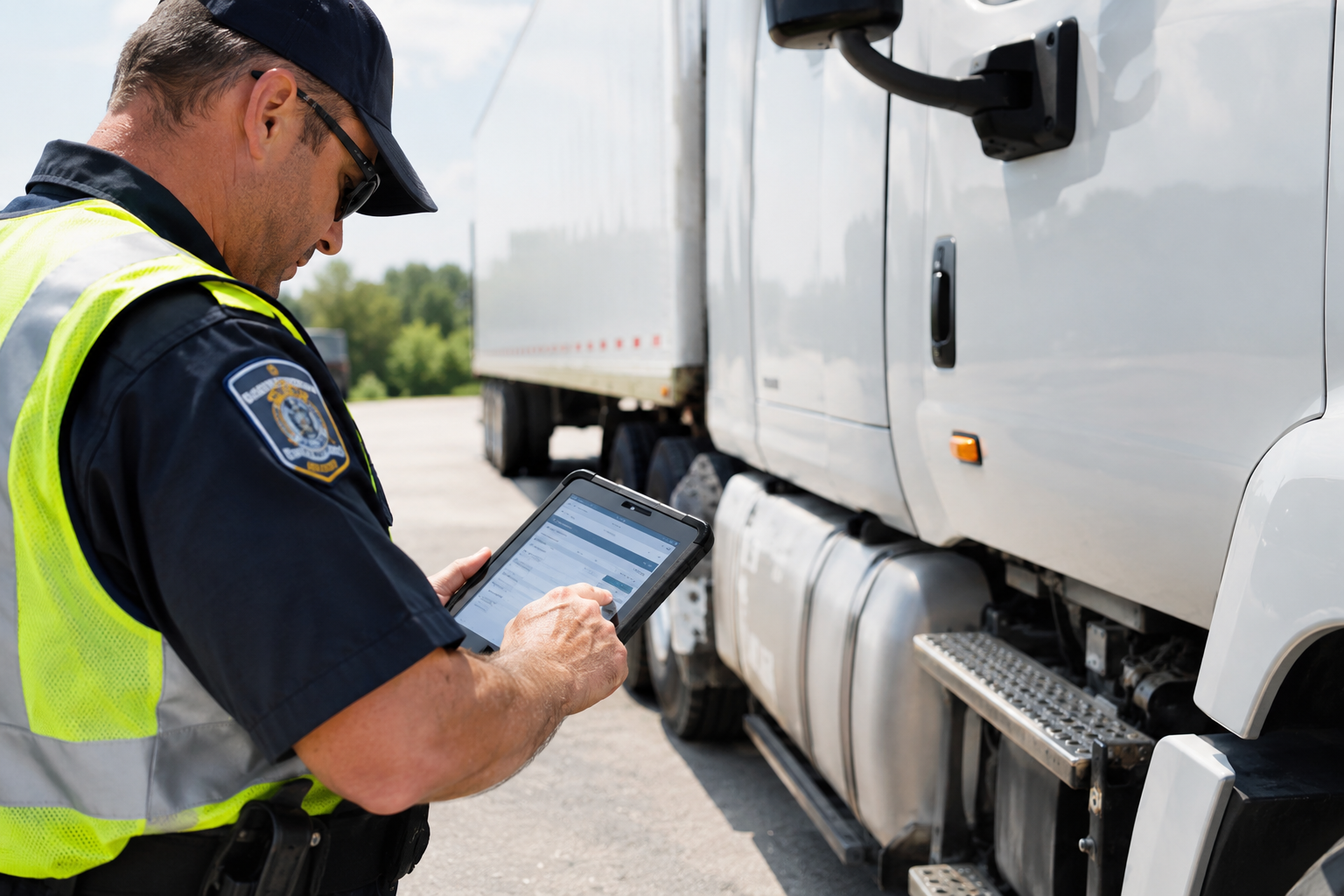
How ELD data transfer works during DOT inspection
During a roadside inspection, driver may be asked to provide electronic records of duty status from the truck's Electronic Logging Device (ELD).
For many drivers, the inspection itself is not the difficult part. The confusing part can be knowing how ELD data is transferred, what options are available, and what to do if an electronic transfer does not work.
Understanding the ELD data transfer process can help drivers respond correctly during an inspection and avoid unnecessary delays.
What is ELD data transfer?
ELD data transfer is the process of providing electronically recorded Hours of Service information to an authorized safety official during a roadside inspection or compliance investigation.
Federal ELD technical specifications require registered ELDs to support an approved method for transferring the driver's records.
FMCSA recognizes two primary categories of electronic transfer:
- Telematics transfer
- Local transfer
A compliant ELD must support at least one complete transfer option.
The specific transfer method available to a driver depends on the ELD installed in the vehicle.
How does ELD data transfer work during roadside inspection?
When an authorized safety official requests ELD records, the driver may need to enter the inspection or routing information provided by the official and initiate the transfer from the ELD.
The process generally involves:
- Opening the roadside inspection or data transfer section of the ELD.
- Reviewing the driver's records.
- Selecting the available transfer method.
- Entering the information requested by the safety official.
- Starting the data transfer.
- Confirming that the transfer was completed successfully.
The exact buttons and interface vary between ELD providers.
The important point is that drivers should know where the roadside inspection and data transfer functions are located before they are stopped for an inspection.
What are the two types of ELD data transfer?
FMCSA's technical requirements describe two main transfer categories.
1. Telematics transfer
A telematics ELD can transfer records electronically using wireless connectivity.
The required telematics methods include:
- Wireless web services
For web-services transfer, the driver initiates the transfer and the data is sent to the FMCSA system for retrieval by the authorized safety official.
For email transfer, the ELD sends the required data using the configured FMCSA transfer process.
2. Local transfer
Local transfer uses a physical or short-range connection.
The required local methods include:
- USB 2.0
- Bluetooth
During an inspection, an authorized safety official can provide the necessary instructions or equipment for the transfer.
FMCSA explains that a compliant ELD must support either the complete telematics option or the complete local option.
What if the ELD has no internet connection?
A lack of cellular connectivity does not automatically mean the driver cannot provide the records.
FMCSA guidance explains that when electronic transfer cannot be completed, the safety official can review the ELD information through the device display or a printout.
This is important for drivers because roadside connectivity can vary depending on location.
A driver should not assume that a temporary network problem means the inspection cannot continue.
Instead, follow the instructions provided by the safety official and use the available ELD inspection functions.
Can an ELD transfer data without Wi-Fi?
Yes.
The answer depends on the ELD's approved transfer method.
A telematics ELD uses wireless connectivity for web services or email transfer, while a local-transfer ELD can use USB or Bluetooth.
FMCSA specifically notes that an ELD implementation cannot depend on having Wi-Fi available at the roadside when wireless transfer is required.
For fleet managers, this is one reason it is important to understand exactly how their ELD handles data transfer.
What happens if ELD data transfer fails?
Technical problems can happen.
For example:
- Cellular connectivity may be unavailable.
- The transfer may return an error.
- Bluetooth may fail to connect.
- A USB transfer may not work.
- The ELD may experience a technical issue.
If one approved transfer method fails and another is available, the safety official may use the alternate method.
FMCSA also states that the official may review the ELD data through the device display or a printout when electronic transfer cannot be completed.
Drivers should therefore avoid repeatedly attempting the same failed process without following the inspection instructions.
What information is transferred from the ELD?
The ELD generates a standardized output containing the driver's electronic records.
The information can include data associated with:
- Driver identification
- Vehicle information
- Duty-status records
- Dates and times
- Vehicle miles
- Engine hours
- Location information
- Supporting ELD records
- Malfunctions and diagnostic events
The purpose of the standardized format is to allow authorized officials to review the driver's records during enforcement activities.
How much of the driver's log can be reviewed?
The ELD system is designed to provide the driver's required electronic records for inspection.
Drivers should understand how to access their roadside inspection view and review their logs before starting a trip.
Some ELD interfaces specifically provide a roadside inspection screen where the driver can review the relevant records and initiate data transfer.
The exact interface depends on the provider.
What should drivers do before starting trip?
Drivers don't need to wait until a roadside inspection to learn how their ELD works.
Before driving, they should know:
Where the roadside inspection function is located
Every driver should be able to quickly find the inspection and data-transfer section of their ELD.
How to display their logs
If electronic transfer is unavailable, the driver may need to show the records directly on the ELD.
How the transfer process works
Drivers should understand the basic steps for their particular ELD.
How to handle an ELD malfunction
Drivers should know what the ELD's diagnostic and malfunction notifications mean and what procedures apply if the device stops functioning properly.
Where required ELD information is stored
Drivers should keep the required materials and information available in accordance with current FMCSA requirements.
ELD data transfer and fleet compliance
ELD data transfer isn't only a driver's responsibility.
Fleet managers should also make sure drivers receive proper training.
A carrier can reduce confusion during inspections by establishing a simple internal procedure:
Train → Test → Monitor → Update
Drivers should receive training on:
- ELD login
- Duty-status changes
- Log review
- Edits
- Roadside inspection mode
- Data transfer
- Malfunction procedures
Fleet administrators should also periodically verify that drivers understand these functions.
Common ELD data transfer mistakes
Several avoidable mistakes can make an inspection more complicated.
Not knowing how to start data transfer
A driver may use an ELD every day but never open the roadside inspection section.
That's a problem if an inspector requests the records.
Entering the wrong information
Some ELDs require a routing code, inspection code, or other information provided by the safety official.
Drivers should enter the requested information carefully.
Ignoring transfer errors
If the ELD displays an error, the driver should follow the available procedure rather than simply assuming the transfer was completed.
Relying on one transfer method
Understanding whether your ELD uses telematics or local transfer can save time during an inspection.
Not knowing how to display records
Drivers should know how to access their logs directly on the ELD in case electronic transfer isn't available.
How fleet managers can prepare drivers
Fleet managers can make ELD inspections easier by including data transfer in driver onboarding.
A short training session can cover:
Step 1: Open the roadside inspection screen.
Step 2: Review the driver's logs.
Step 3: Select the available data transfer option.
Step 4: Enter the requested inspection information.
Step 5: Start the transfer.
Step 6: Confirm successful transmission or follow the alternative procedure if the transfer fails.
Drivers should practice these steps using the actual ELD installed in their truck.
Why ELD data transfer matters
An ELD is not only responsible for recording driving activity.
It must also support the required process for making electronic records available to authorized safety officials.
For drivers, understanding this process can make roadside inspections more straightforward.
For carriers, proper driver training can reduce confusion and help ensure that the fleet is prepared when an inspection occurs.
Final thoughts
ELD data transfer is an important part of the electronic logging system.
During a roadside inspection, drivers may be asked to provide their records electronically using an approved transfer method. Depending on the ELD, this may involve wireless web services, email, USB, or Bluetooth.
Drivers should know how their specific ELD handles roadside inspections, how to access their logs, and what to do if electronic transfer is temporarily unavailable.
For fleet managers, ELD training should cover more than simply logging in and changing duty status. Drivers should also understand the inspection and data-transfer functions before they need them on the road.
FAQ
What is ELD data transfer?
ELD data transfer is the process of electronically providing a driver's ELD records to an authorized safety official during a roadside inspection or compliance investigation.
What are the ELD data transfer methods?
FMCSA's requirements provide for two categories: telematics transfer, using wireless web services and email, and local transfer, using USB 2.0 and Bluetooth. An ELD must support at least one complete option.
Can an ELD transfer data without cellular service?
It depends on the transfer method. Telematics transfer requires connectivity, while local transfer can use USB or Bluetooth. If electronic transfer cannot be completed, FMCSA guidance says the safety official can review the ELD display or a printout.
What happens if ELD data transfer fails?
If another approved transfer method is available, the safety official may use it. The ELD information can also be reviewed through the device display or a printout when electronic transfer is unavailable.
Do drivers need to know how to transfer ELD data?
Drivers should be familiar with the functions of the ELD installed in their vehicle, including the process for roadside inspection and providing required records.
Does every ELD use the same data transfer process?
No. The exact interface and steps vary by provider, although the ELD must meet the applicable FMCSA technical requirements.